


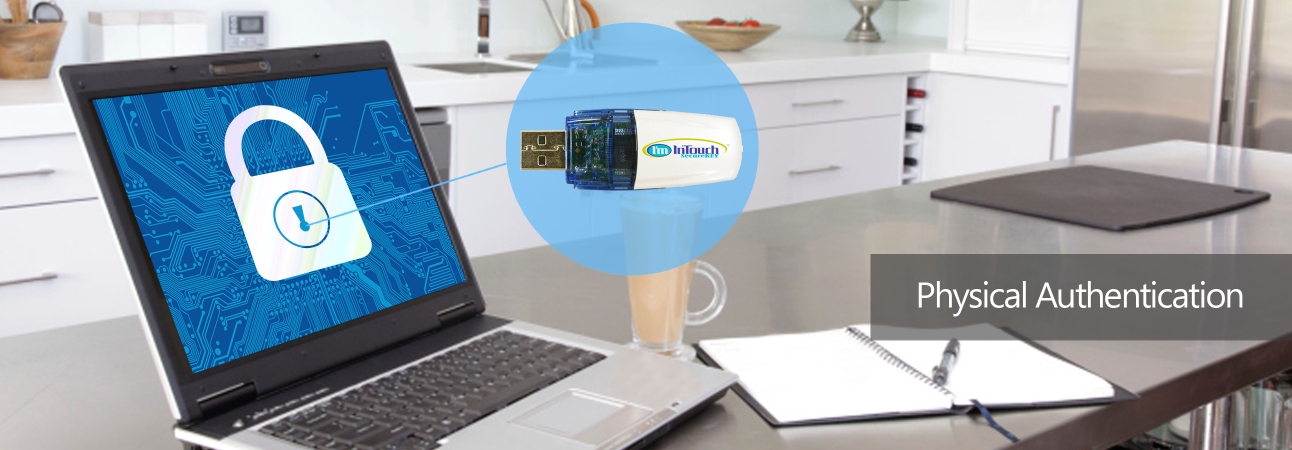

Ultimate Security for your I’m InTouch Remote PC AccessI'm InTouch SecureKEY provides additional security to your remote access. This requires the user to insert an I'm InTouch SecureKEY (an USB device) as a physical authentication on top of the standard password protection. No two I'm InTouch SecureKEYs are the same. During activation your I'm InTouch SecureKEY is uniquely "bound" to your I'm InTouch-enabled computer. This ensures the holder of the I'm InTouch SecureKEY is the only one who can remotely access the "designated" I'm InTouch-enabled computer.
I'm InTouch SecureKEY can be assigned temporarily to occassional mobile employees or permanently to those requiring dedicated remote access to their computers.
Auto-Login can also be enabled to securely store the login password giving a quick connection by automating the login process.
You have to be a subscriber of our I'm InTouch remote access service in order to use this optional companion product. If you are not a subscriber yet, a free trial is available.
For more information or to purchase your I'm InTouch SecureKEY, call 1-800-668-2185 or chat with our product specialists.
|
 About I'm InTouch SecureKey
 1-800-668-2185
Remote Control Software | Remote PC Access Software | Remote Desktop Software | Remote Access Software | Remote Desktop Connection | Remote Computer Access
I'm InTouch is protected under U.S. Patents #6928479, #6938076 and #8234701
A leader in Remote Access Software and Remote Control Software solutions
 Copyright © 2026 - 01 Communique Laboratory Inc. All Rights Reserved.